Nano Banana Studio – AI Image Editor & Generator
Common prompts:
A prompt helps the AI understand what you want
Upload an image and edit it
See before and after results with Nano Banana Studio
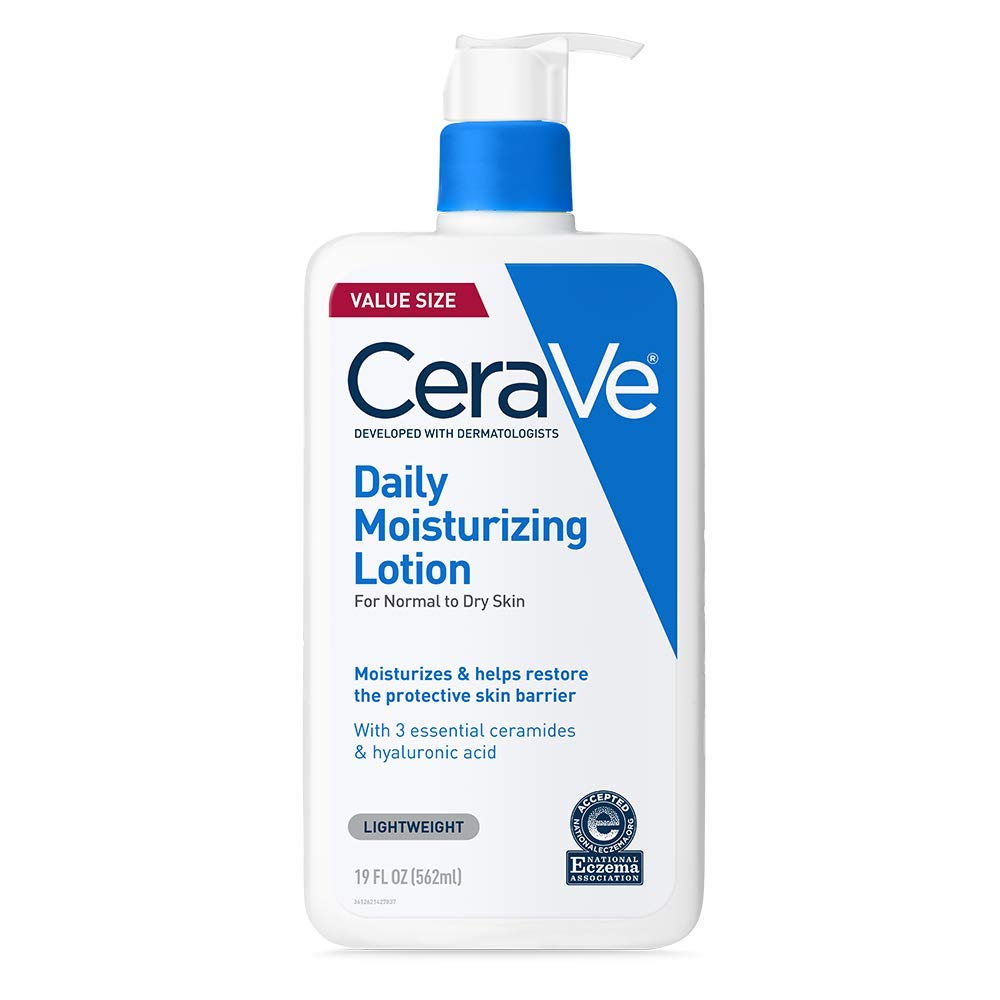
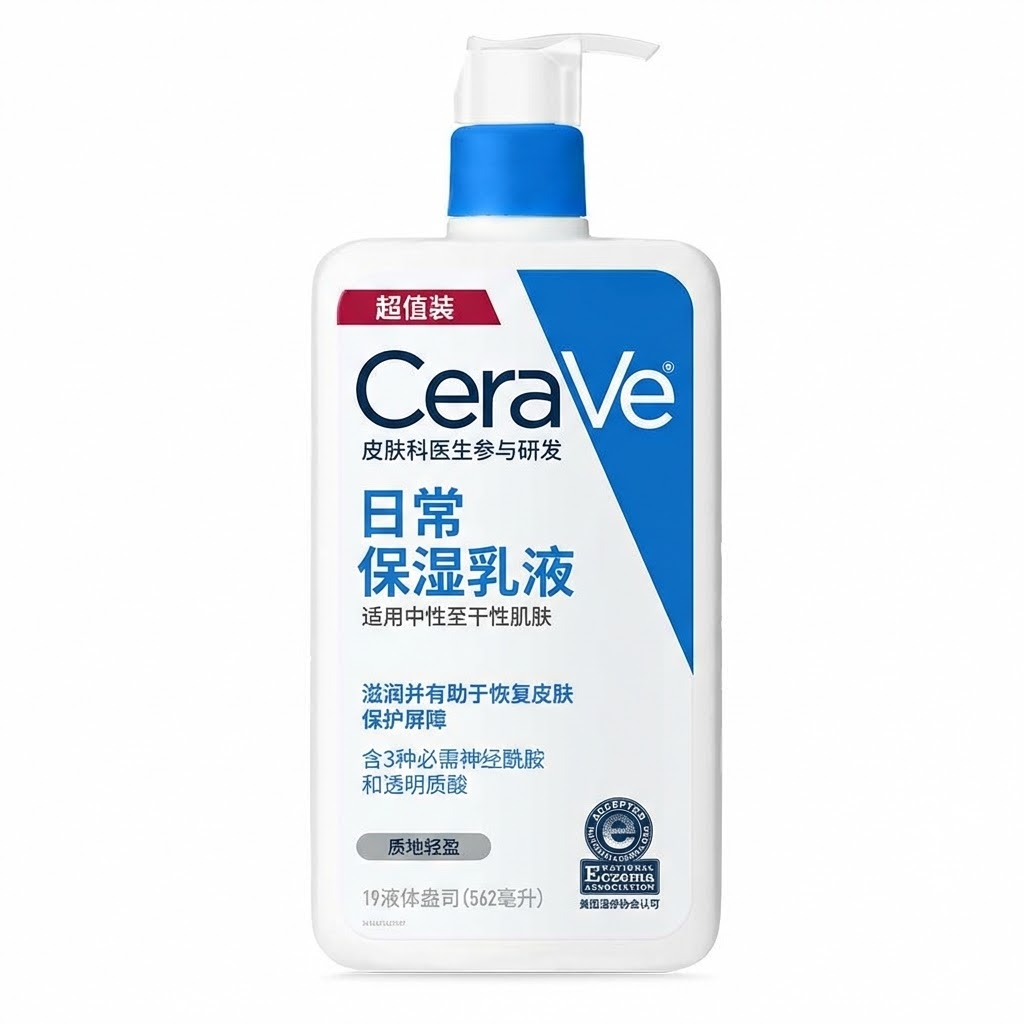
How Nano Banana Studio works
Upload your images
Add your images. JPG, PNG, WebP and other formats are supported. Upload files or use image URLs.
Describe your idea
Describe what you want—e.g. "add sunset background" or "make it look professional." The AI follows your prompt.
Get your result
Processing finishes in seconds. Preview and download your edited or generated image. Refine with new prompts if needed.
Why use Nano Banana Studio for AI image editing
Describe in plain words
The tool understands natural language. Type what you want and the AI edits or creates the image accordingly.
AI image generation
Generate images from text. Use prompts to create new visuals or combine reference images.
High-quality output
Output stays sharp and detailed. Suitable for marketing, social, and commercial use.
Fast processing
Results return in seconds. Most edits finish in 5–10 seconds.
Wide format support
Accepts JPG, PNG, WebP, and other common formats. Upload files or paste image URLs.
Simple interface
Easy to use. No design skills needed—just upload, describe, and download.
Frequently asked questions about Nano Banana Studio
What is Nano Banana Studio?
Nano Banana Studio is an AI image editor and generator. You describe changes or new images in text; the tool applies edits or creates visuals while preserving quality. No design experience required.
What image formats does Nano Banana Studio support?
Nano Banana Studio supports JPG, JPEG, PNG, WebP, BMP, TIFF and other major formats. Upload local files or provide image URLs. It works with a wide range of image types.
What can I do with Nano Banana Studio?
With Nano Banana Studio you can edit images, remove or change backgrounds, adjust style, generate new images, and add or remove objects. Use prompts to control edits. It suits both personal and commercial use.
How fast is Nano Banana Studio?
Nano Banana Studio typically finishes in 5–10 seconds for most edits. Complex tasks may take up to 15 seconds. It is built for quick turnaround.
Is Nano Banana Studio free to use?
Nano Banana Studio offers a free tier so you can try the tool. Paid plans give more credits and features like batch processing. Check the pricing page for plans.
Does Nano Banana Studio preserve image quality?
Yes. Nano Banana Studio is designed to preserve resolution and detail when editing. Output stays suitable for professional and business use.
Can I process multiple images with Nano Banana Studio?
Nano Banana Studio supports batch workflows on paid plans. Process many images in one go to save time on large projects. Upgrade your plan for batch access.
How accurate is Nano Banana Studio?
Nano Banana Studio uses advanced AI to follow your prompts accurately. Results are suitable for commercial use. Use clear, specific descriptions for best results.